Getting Started with DartUp
You've been building something cool with Claude Code. Now what? You could spend an hour setting up hosting, configuring domains, and debugging deployment pipelines. Or you could just say "deploy this" and be done in 30 seconds. That's DartUp.
What is DartUp?
DartUp is a deployment platform built specifically for Claude Code users. It's designed around one simple idea: deploying should be as easy as asking Claude to do it.
No Docker knowledge required. No YAML files. No CI/CD pipelines. No SSH-ing into servers. You just build something with Claude, say "deploy this to DartUp," and it's live on the internet with a real URL you can share.
What DartUp handles for you:
- ✓Containerization (your app runs in isolated Docker containers)
- ✓SSL certificates (automatic HTTPS for every deployment)
- ✓Custom subdomains (yourapp.dartup.dev)
- ✓Automatic restarts if your app crashes
- ✓Build detection (Node.js, Python, or static sites)
Who is it for?
DartUp is perfect if you:
- Use Claude Code to build projects and want to share them
- Build prototypes, demos, or side projects that need a quick home
- Don't want to deal with DevOps complexity for simple apps
- Want to show clients or friends what you're working on
- Are learning to code and want to see your work live
Getting Started
Let's get you set up. The whole process takes less than 5 minutes.
Create your account
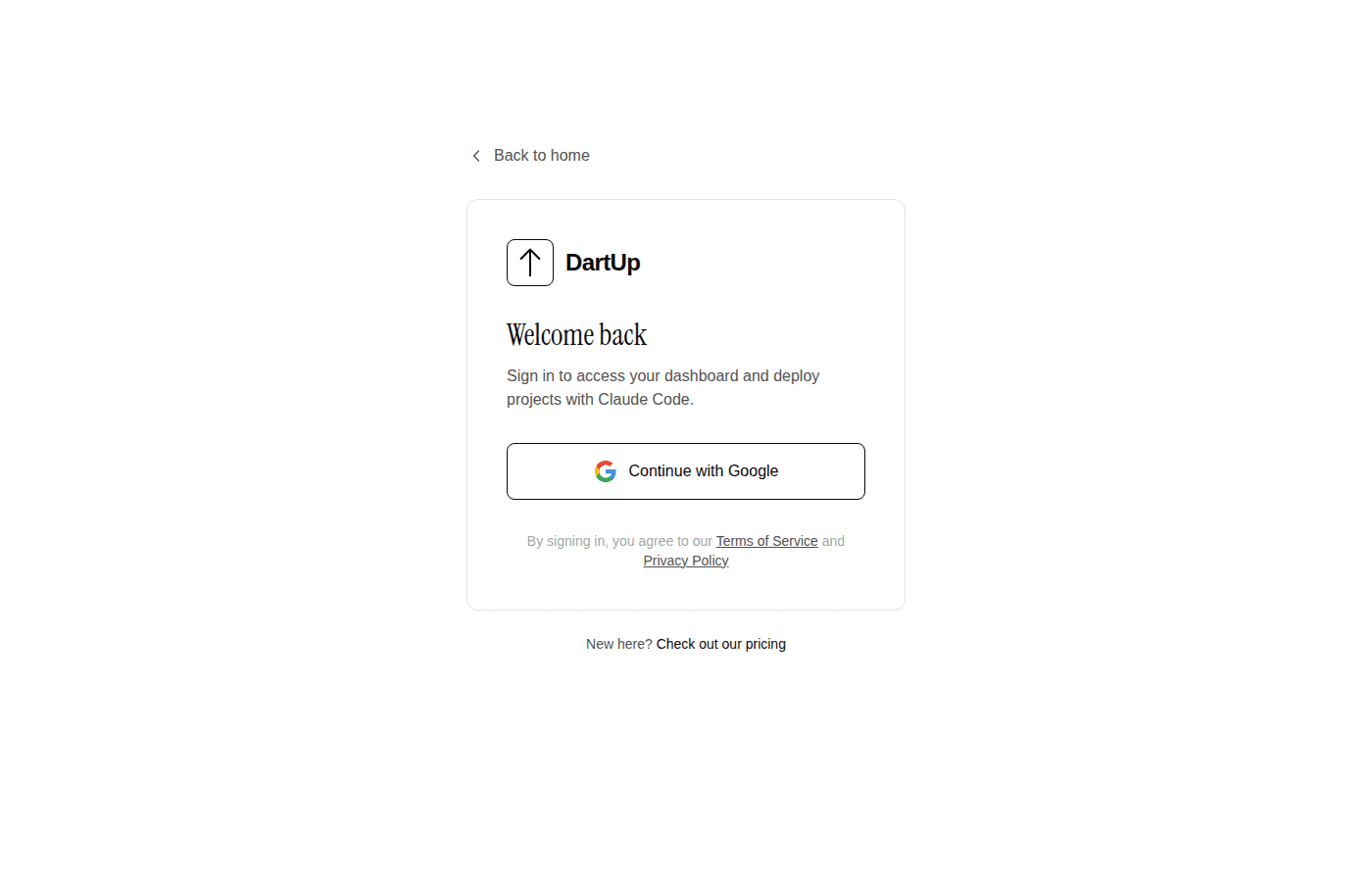
Head to dartup.dev and click "Sign In." We use Google OAuth, so it's just one click - no passwords to remember.
Get your API key
Once you're signed in, you'll land on your dashboard. Click "Create API Key" to generate your first key. This is what Claude uses to deploy on your behalf.
Copy the key and keep it somewhere safe. You'll only see it once! (If you lose it, just delete it and create a new one.)
Your API key looks like: dk_xxxxxxxxxxxxxxxxxxxx
Tell Claude your API key
Open Claude Code in any project and share your API key. Claude will remember it for future deployments.
My DartUp API key is: dk_xxxxxxxxxxxxxxxxxxxx

Remember this for future deployments.
That's it for setup! Claude now knows how to deploy to your DartUp account.
Your First Deployment
Now let's deploy something. If you already have a project, open Claude Code in that directory. If not, let's make a quick one:
$ mkdir my-first-app
$ cd my-first-app
$ claude
Ask Claude to build something simple:
Build me a simple landing page with:
- A big headline that says "Hello from DartUp!"
- A paragraph explaining this is my first deployment
- A nice gradient background
- Centered content
Claude will create the HTML/CSS files. Now deploy it:
Deploy this to DartUpDeploying to DartUp...
Zipping project files...
Uploading to dartup.dev...
Building container...
✓ Deployment successful!
Your app is live at: https://my-first-app-a1b2.dartup.dev
Open that URL in your browser. Your app is live! Share it with anyone.
What Can You Deploy?
DartUp automatically detects your project type and configures the container accordingly. Here's what's supported:
Static Sites
HTML, CSS, JS files. Perfect for landing pages, portfolios, and SPAs.
Node.js
Express, Next.js, Fastify, or any Node server. Auto-detects package.json.
Python
Flask, FastAPI, Django. Auto-detects requirements.txt.
Environment Variables
Need to pass secrets or config to your app? Just tell Claude:
Deploy this to DartUp with these environment variables:
- DATABASE_URL=postgres://...
- API_KEY=secret123
Your env vars are encrypted and only available to your running container.
Updating Your Deployment
Made some changes? Just deploy again:
Deploy the updated version to DartUpDartUp will update your existing deployment with zero downtime. Same URL, new code.
Managing Deployments
Your dashboard shows all your deployments. From there you can:
- See deployment status (building, running, stopped, failed)
- View build logs if something went wrong
- Stop or restart deployments
- Delete deployments you no longer need
- Manage your API keys
Pricing
DartUp has a generous free tier:
Free
$0/month
- ✓ 1 deployment
- ✓ 1 API key
- ✓ Custom subdomain
- ✓ HTTPS included
Pro
$9/month
- ✓ 5 deployments
- ✓ Unlimited API keys
- ✓ Custom subdomain
- ✓ HTTPS included
- ✓ Priority support
Start free, upgrade when you need more. No credit card required to sign up.
Tips for Success
- Keep it simple. DartUp is designed for straightforward deployments. If you need complex infrastructure (databases, cron jobs, etc.), consider a full-featured platform.
- Check the logs. If a deployment fails, your dashboard shows build logs with the error. Usually it's a missing dependency or port issue.
- Use port 80. Your app should listen on port 80 (or set via the PORT environment variable). DartUp handles HTTPS termination.
- Don't store data in the container. Containers can restart. Use external databases or APIs for persistent data.
What's Next?
You're all set! Here are some ideas to try:
- Build a Real Estate CRM - Full tutorial with interactive maps
- Deploy a portfolio site to show off your work
- Create an API and deploy it for your mobile app
- Build a demo for a client meeting
The barrier between "idea" and "live on the internet" just got a lot smaller. Go build something cool.
Ready to deploy?
Your first deployment is free. No credit card required.